


Getting set up
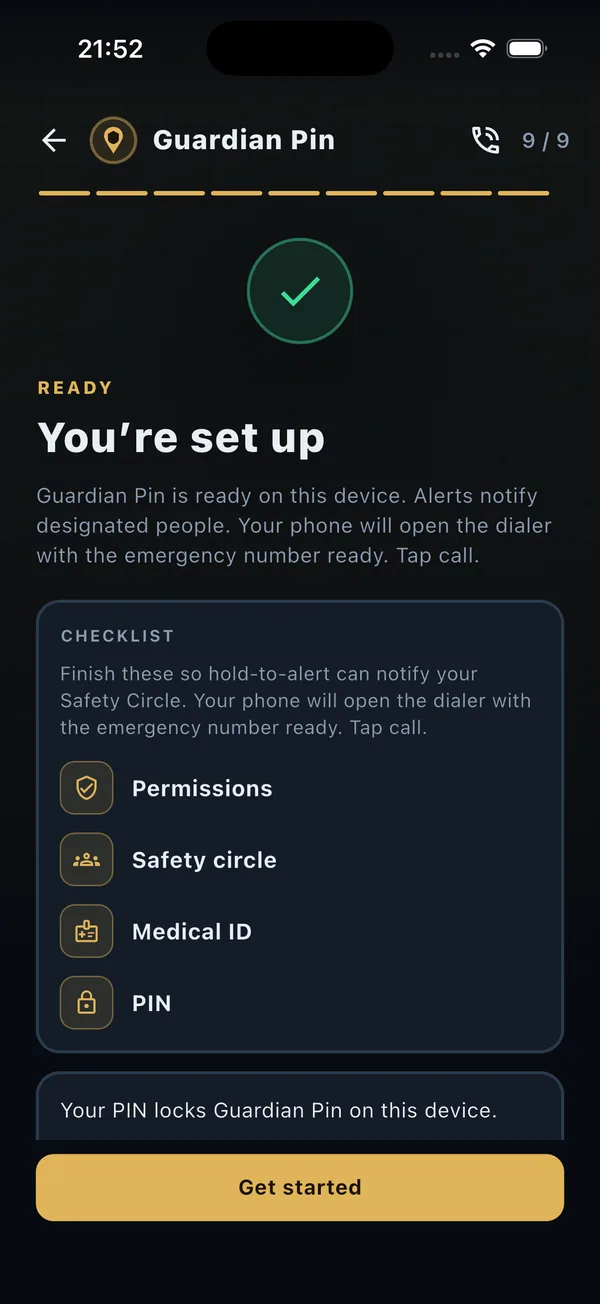
Getting set up is a short checklist: permissions, your circle, Medical ID if you want it, and a PIN. When those are in place, you are ready.
When seconds matter, that button does not reach the people you chose. Hold for two seconds. They get a private alert with a map, and live location only while the alert is active.
Available on Google Play now. Coming soon to the App Store.


Location only during an alert
Not always-on tracking. It stops when you end the alert with your PIN, or after 12 hours.
We do not sell your data
No ad tracking. Sign-in is Apple or Google.
Live on Google Play
Coming soon to the App Store. CA$2.99 a month in Canada.
Outdoors
When signal is thin and plans change, your circle gets a private page that follows you, only for as long as the alert stays on.
Evening
No account needed for the people you trust. They get an email with the map, then a private link while the alert is live.
Family
Build a circle once. When something feels off, hold to alert, and end it with your PIN when you are safe.
The service
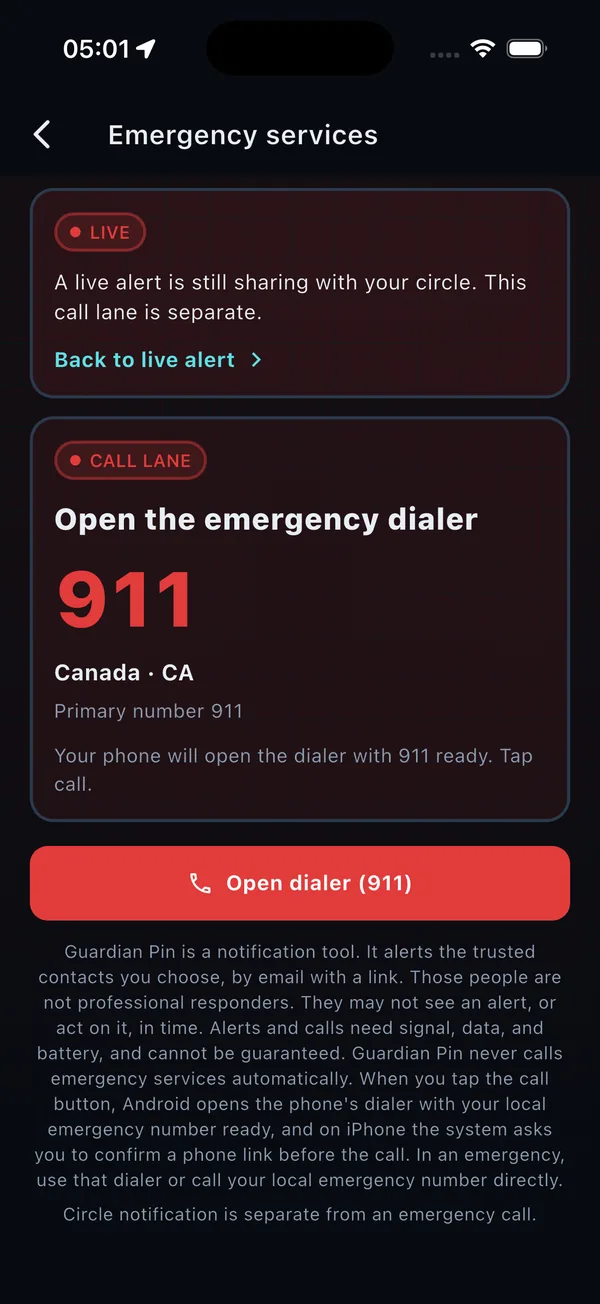
On Android, one press opens the dialer with the emergency number filled in, and on iPhone, iOS asks you to confirm before you press call. Guardian Pin does not place the call. This is separate from the email to your circle, and it stays available if the subscription lapses.
The people you trust get an email. They do not need an account, the app, or an invite. It shows your location when it is sent, a private link follows you only while the alert is active, and the email itself is not updated after it is sent.
One subscription of CA$2.99 a month in Canada covers the service. Alerts, test alerts, Medical ID sharing, and the emergency call stay available if the subscription lapses, and each store shows the price in your country before you subscribe.
There is no ad tracking, and we do not sell your data. Sign-in is Apple or Google, and the PIN stays on the phone.
The people you love see where you are, straight away, and they know when you are safe. How it works.
Ordinary days, when someone you love is out: a run, a shift, a trip, the walk home. Guardian Pin is for adults and older teens. You need to be 13 or older in the United States and Canada, 14 or older in Quebec, and 16 or older everywhere else.
Sign in with Apple or Google during first launch. That is the account, one per person, there is no separate username, and the emergency call stays reachable with no account.
Getting set up is a short checklist: permissions, your circle, Medical ID if you want it, and a PIN. When those are in place, you are ready.
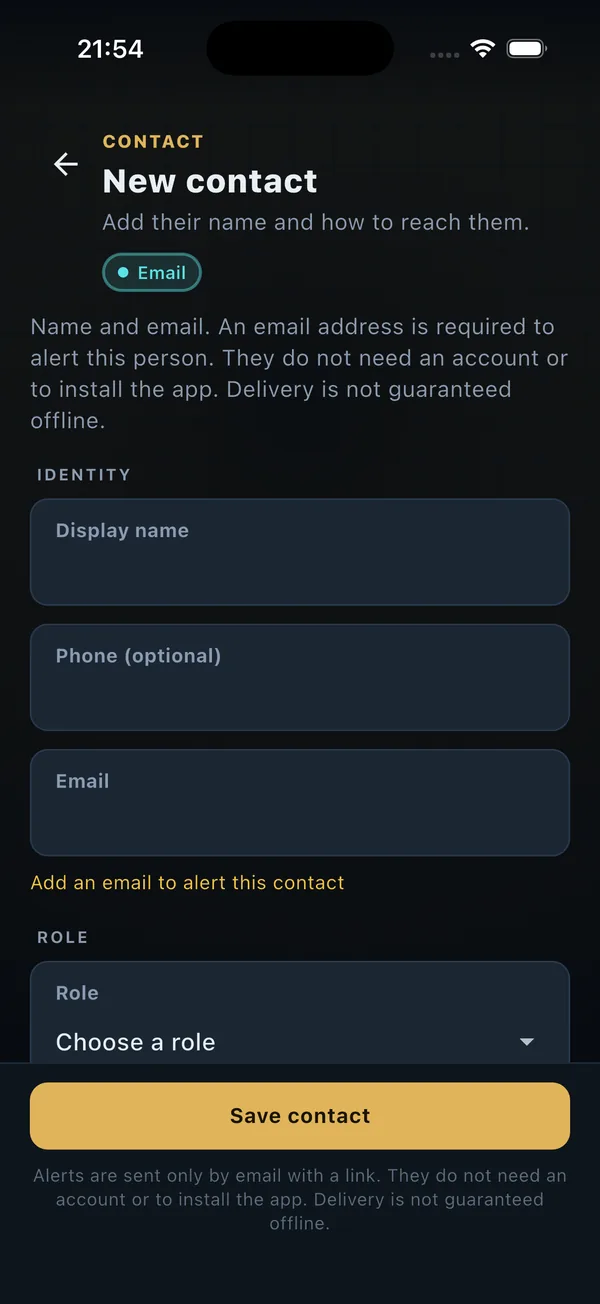
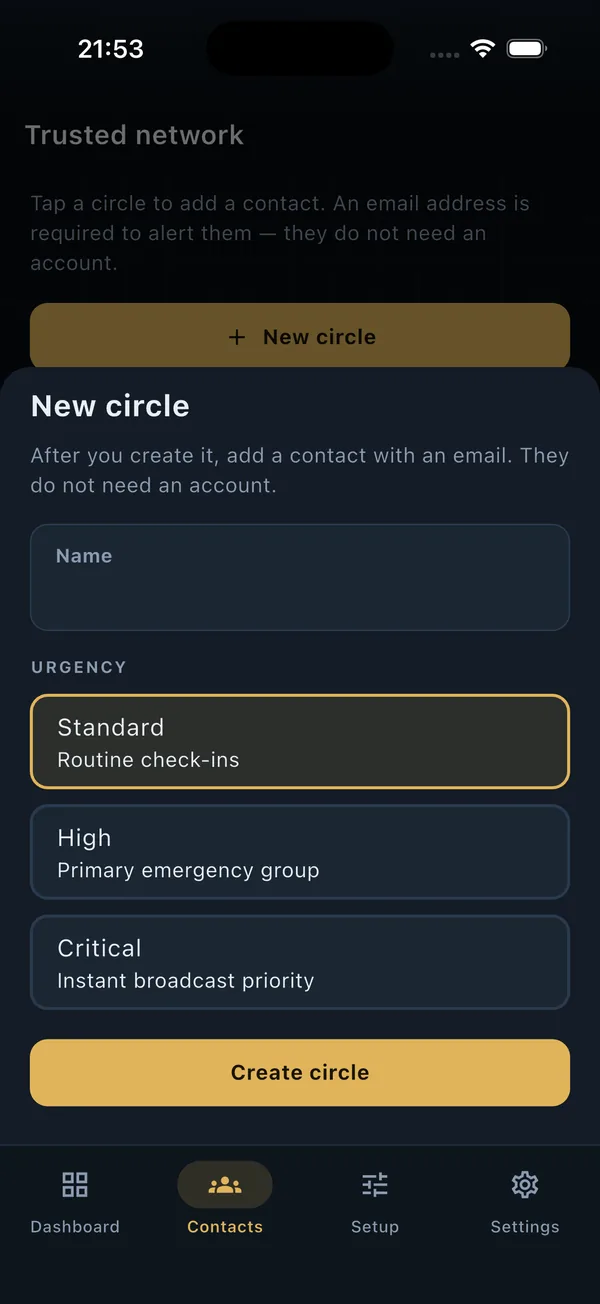
Type a phone number or email, or import from the address book, which the app only reads, does not change, and uploads only when you save someone. You can add, rename, and delete circles, and alerts go to your primary circle, which cannot be deleted until you choose another.
Hold the button for 2 seconds to email your circle. The people in it do not need the app.
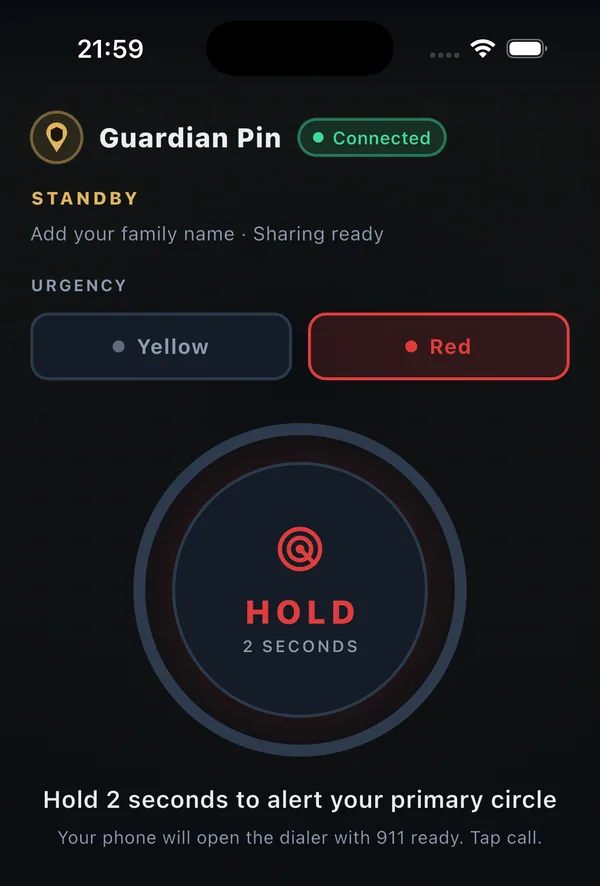
Ending an active alert asks for your app PIN, which stops live location and emails your circle that you are safe. A test alert and the emergency call do not ask for the PIN.
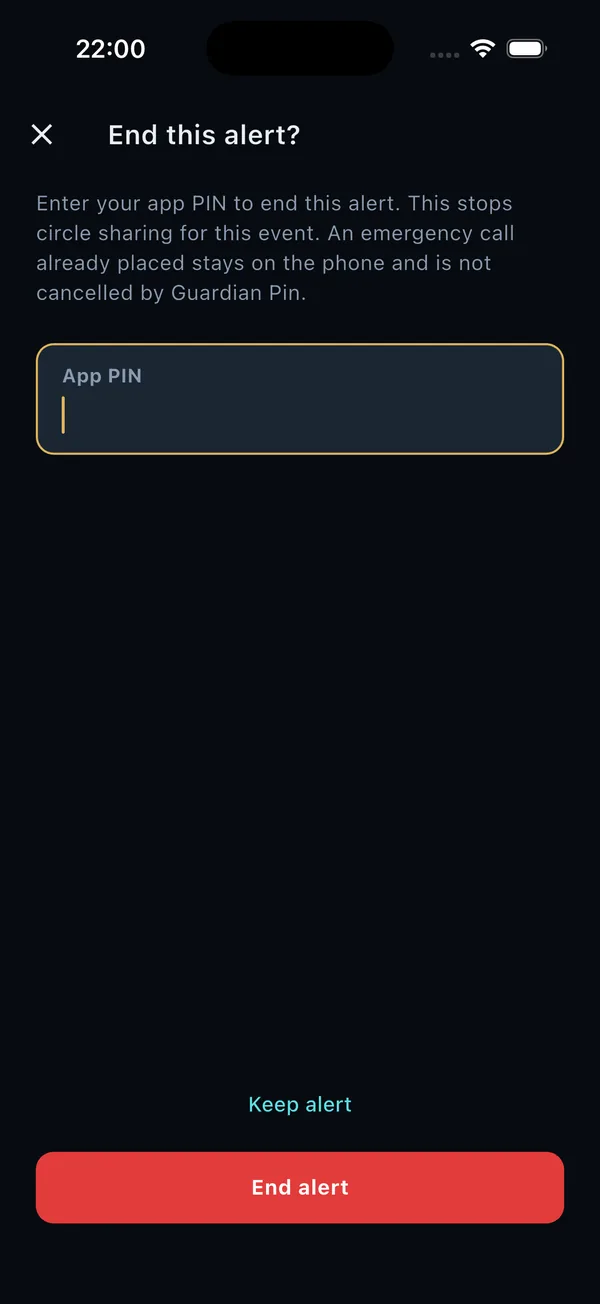
The app can stay locked behind your PIN, and you can still hold to alert or open the dialer from that screen. Unlocking the rest of the app needs your PIN, which stays on the phone.
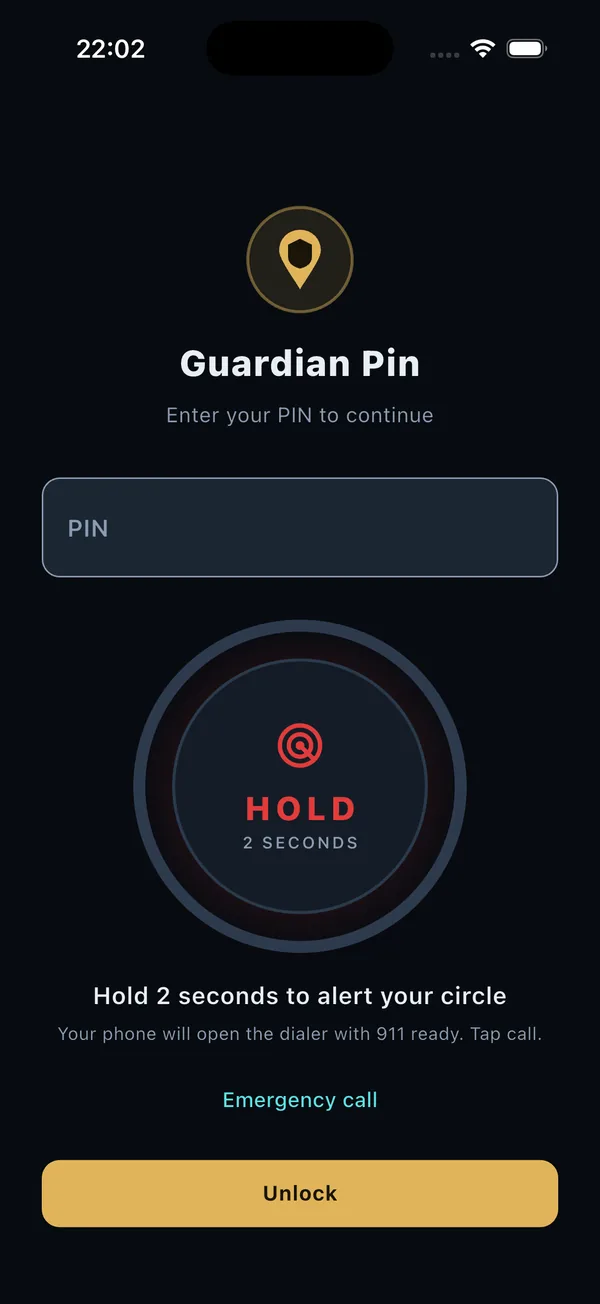
Send a test so your circle can see the email, marked so they know no action is needed. It does not include your location or Medical ID, and it does not open the dialer.
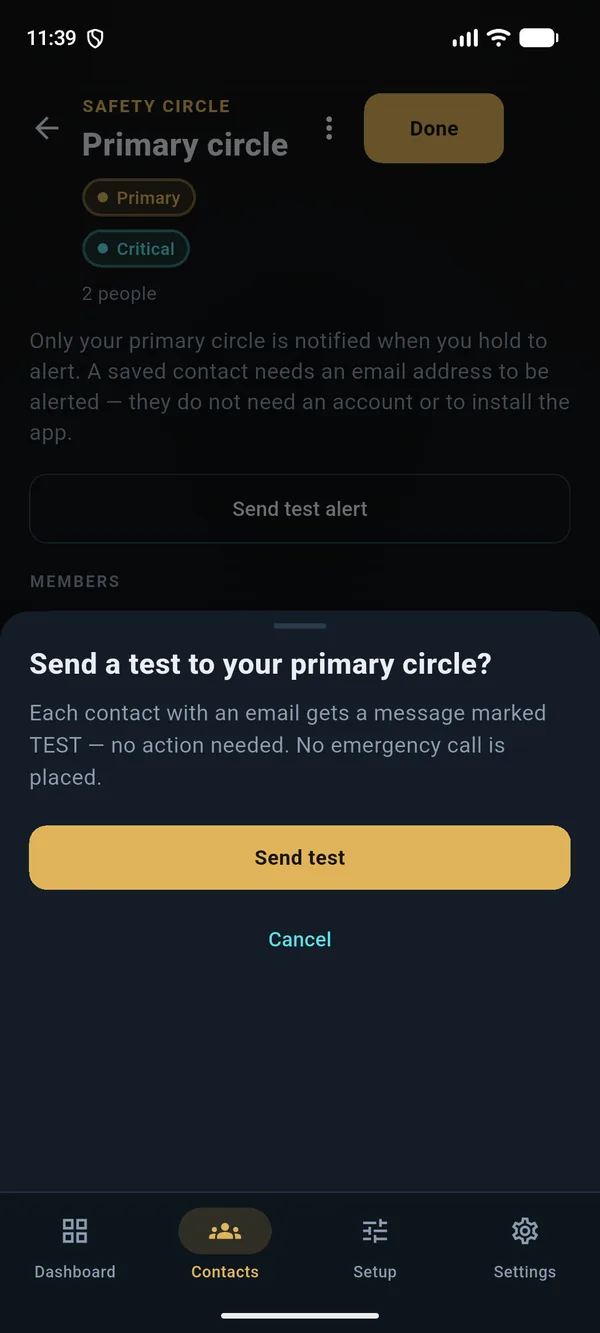
Discreet mode uses quieter navy and gold, so a glance is less likely to look like an emergency app. Hold to alert still works, on iPhone and Android.
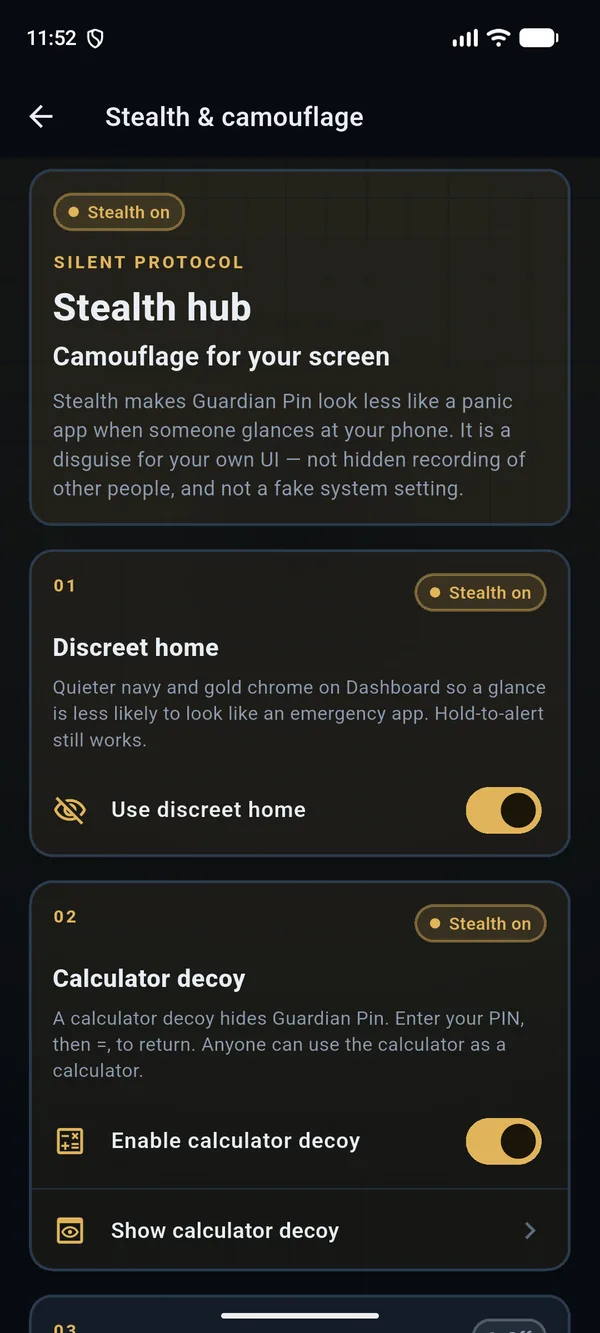

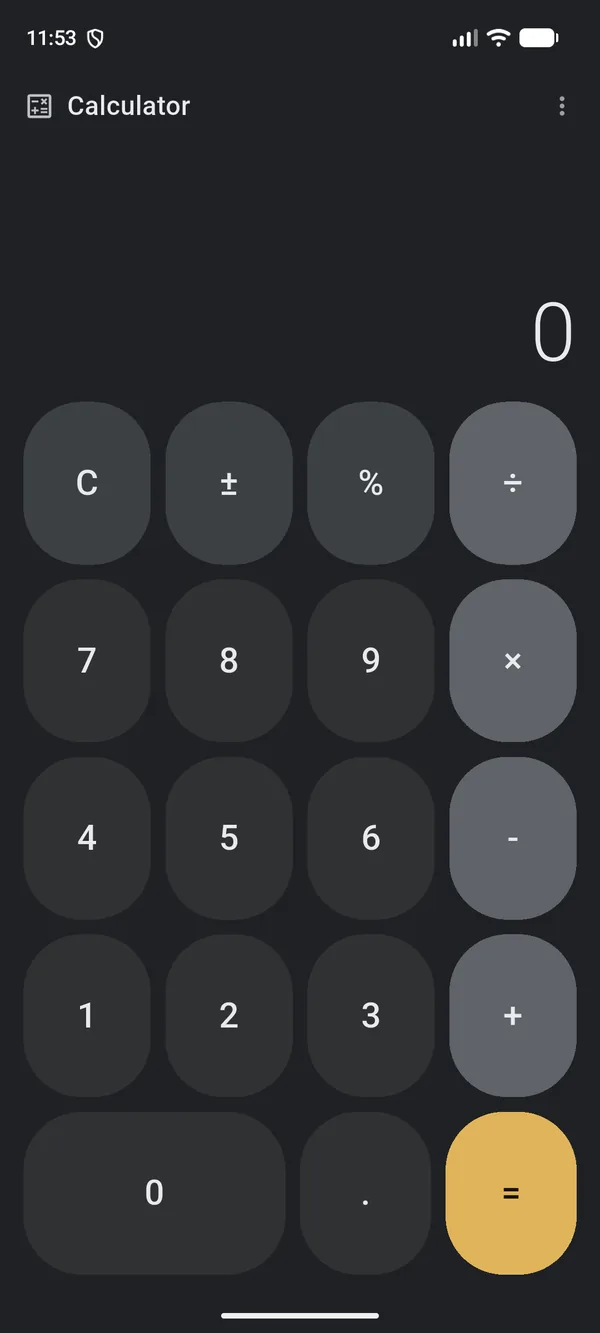
A calculator decoy hides Guardian Pin until you enter your PIN, then equals. Anyone else can use it as a calculator, on iPhone and Android.

Text my circle opens your phone's Messages app with your circle's numbers and your location filled in. You press Send.
Medical ID has separate optional fields for biological sex and gender identity. A section is shared only when you turn it on and consent, only with your primary circle during an alert, and never to paramedics or responders.
If you allow the camera and microphone, clips record during an alert with a visible indicator, stay encrypted with AES-256-GCM on the phone, and are decrypted before an HTTPS upload. That server copy is not end-to-end encrypted. Only you can watch it in the app, and it is not shown to your circle, on the alert page, or in the email.
Guardian Pin is a notification tool plus a call you start. It emails the contacts you chose. Those people are not professional responders. They may not see the email, or act on it, in time. Sending an alert needs a data connection, signal, and battery. Guardian Pin does not contact emergency services itself. On Android, one press opens the dialer with your local emergency number filled in. On iPhone, one press opens the call and iOS asks you to confirm. You press call. Guardian Pin does not place the call. If that cannot open, call your local emergency number yourself.
One subscription of CA$2.99 a month in Canada. Location is shared only during an alert. Alerts, test alerts, Medical ID sharing, and the emergency call stay available if the subscription lapses.